

About This File
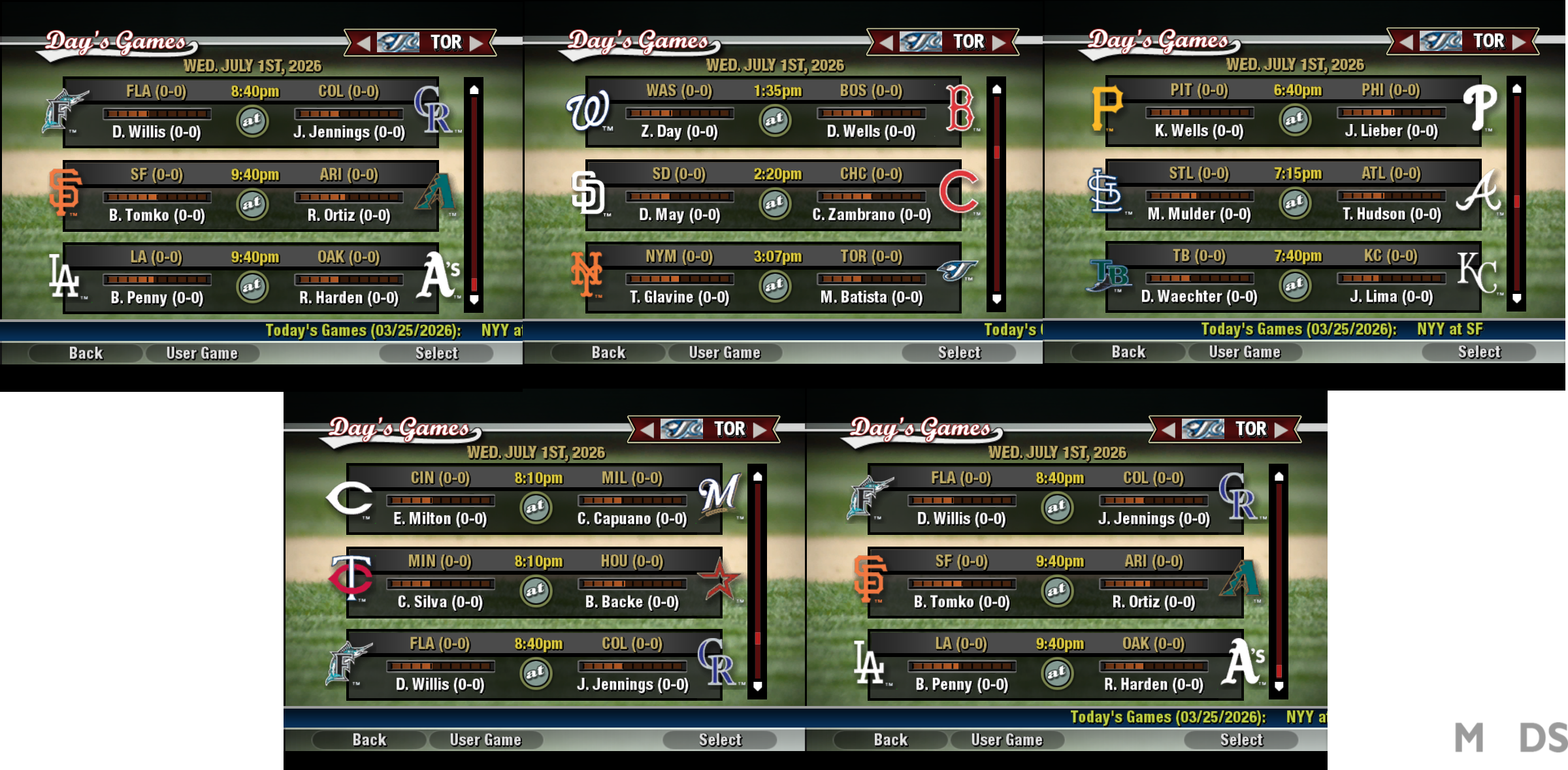
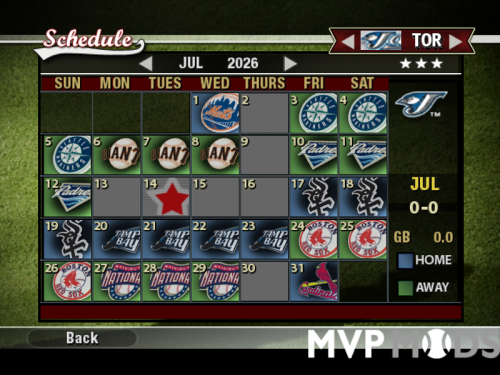
This download allows you update your MVP Baseball schedule to the 2026 Major League Schedule. It does not affect minor league schedules.
Installation Instructions
1. Backup your original schedule.big file in Program Files/MVP Baseball 2005/data/database folder.
2. In your team.dat file, insure Houston Astros' line reads as follows:
00b87f3f1,0 Hou,1 Houston,2 Astros,3 HOU,4 0,5 0,6 22,7 0,8 1,9 0,10 0,11 0,12 1,13 0,14 0,15 0,16 0,17 0,18 0,19 0,20 1,21 0,22 0,23 0,24 0,25 0,26 0,27 0,28 2,29 2,30 0,31 2,32 2,33 2,34 1,35 0,36 0,37 1,38 0,39 0,40 0,41 2,42 1,43 2,44 2,45 1,46 1,47 2,48 2,49 1,50 2,51 1,52 2,53 1,54 0,;
(Just follow the directions here: http://www.mvpmods.com/index.php?showtopic=54548&#entry637425)
3. Copy the schedule.big file you just downloaded to your MVP Baseball 2005/data/database folder.
4. Confirm replace.
5. The 2026 MLB Schedule should be loaded into MVP.
---------------------------------------------------------------------------------------------------------------
Additional Instructions
If you have tywiggins' Schedule Updater/Year Changer, you can change the year to 2026, rather than the default 2005.
1. When you get to the team select screen, ALT-TAB out of MVP.
2. Load Schedule Updater.
3. Select option 1 and change the year to 2026 and choose if you want players' ages to change.
4. Select option 3, and choose "7" to set the schedule to start on March 25.
5. ALT-TAB back into MVP and continue as usual.
Please keep in mind I don't have MVP Baseball 2005 installed on my regular computer, so it's especially hard to test any mod I make.
Take care,
Dylan