

Jump to content

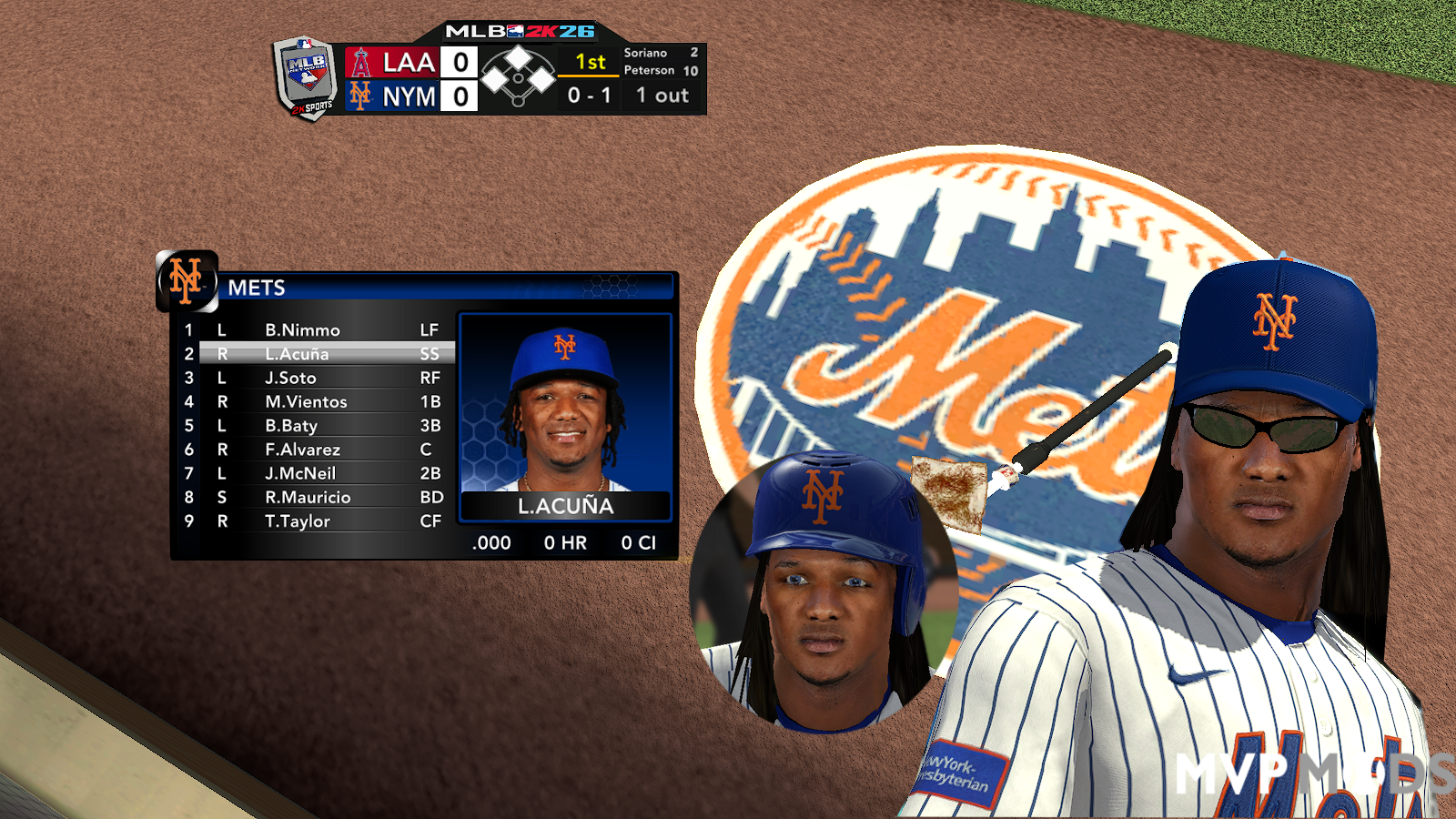
1 Screenshot

About This File

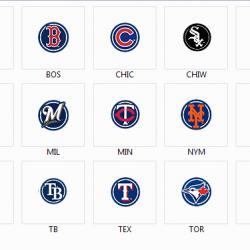
These are replacement Icons for your MLB 2k12 desktop shortcut

How to install icon

Extract Rar to the location of you choice

(Desktop being a good and easy place to find them)

Step 1: Right click your MLB 2k12 desktop shortcut

Step 2: Click properties

Step 3: Click "Change Icon..."

Step 4" Brouse for the team icon of your choice within the my icon package you just downloaded

then click Ok twice then your done and enjoy

(Note these are windows icon files so it's needless to say it won't work with a mac)


User Feedback

Join the conversation

You can post now and register later. If you have an account, sign in now to post with your account.
Note: Your post will require moderator approval before it will be visible.

Guest

aaaron

   1 of 1 member found this review helpful 1 / 1 member

Nice!

  • Download Statistics

    • Files
      10486
    • Comments
      14103
    • Reviews
      14393

    More information about "Dylan Cease"
    Latest File
    By wil19982

    9    0

×
×
  • Create New...