

Kccitystar
-
Posts
8161 -
Joined
-
Days Won
42
Content Type
Profiles
Forums
Downloads
Everything posted by Kccitystar
-
Thanks for the kind words, Y4L! Speaking of Japanese baseball, whenever you are able to access Netflix, please watch the documentary called "Koshien: Japan's Field of Dreams". It's really good and focuses on high school baseball in Japan where there is a massive tournament that's like the World Series but for teenagers. Think of it like this: Imagine if every high school in America played baseball, and one team from each state made a tournament, and the entire country watched it like March Madness + the World Series combined. It's a great opener into Japanese baseball culture that I find is absolutely worth a watch given that so many of successful Japanese players have emerged from these tournaments and found success at the NPB and even Major League Baseball level, but at the same time it tells the story of two coaches, one that's got that old school intensity and another that's taken a more modern approach to their team and the storytelling focuses a lot on Japanese values and generational change. It's really solid.
-
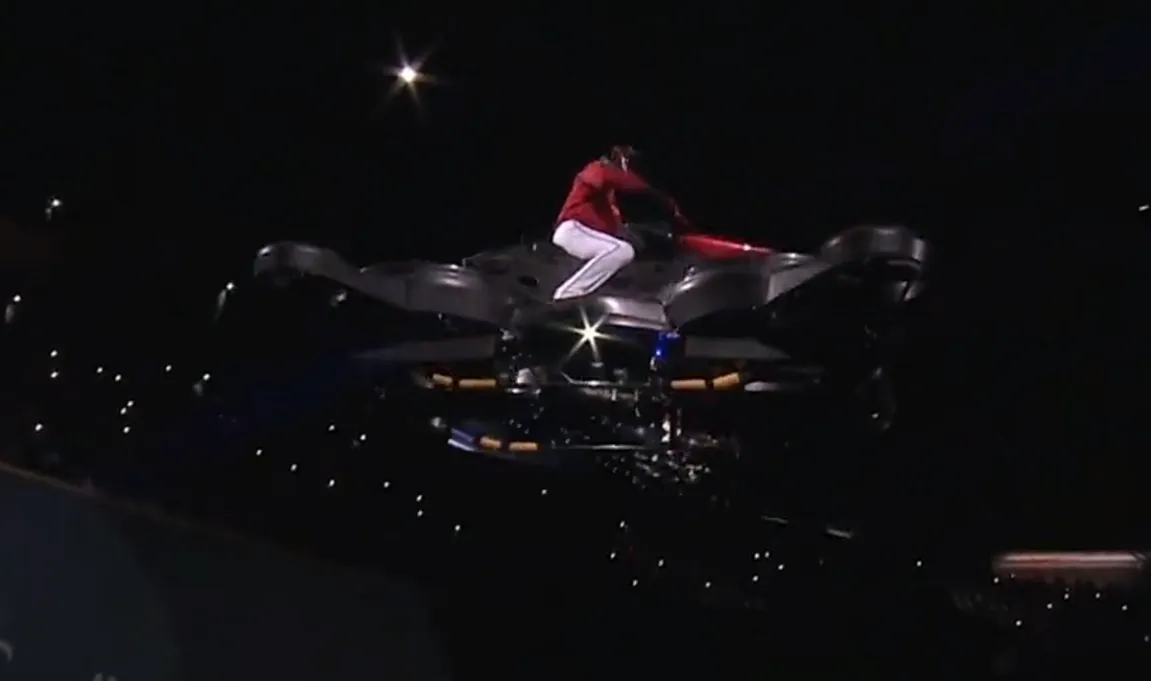
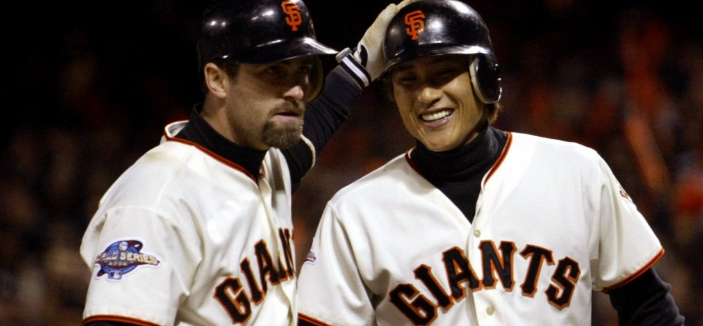
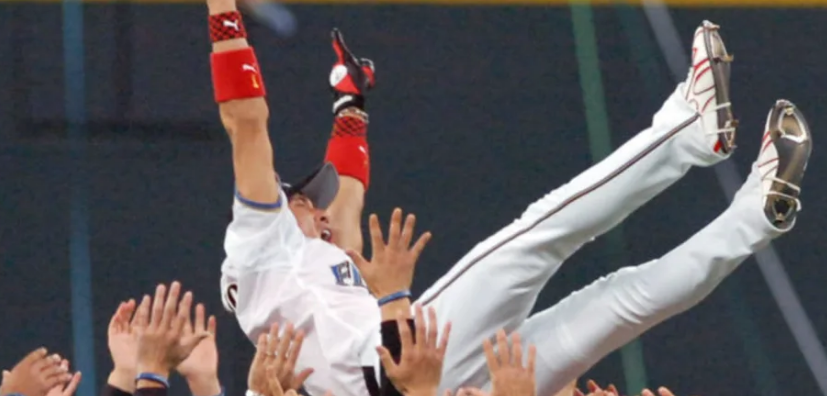
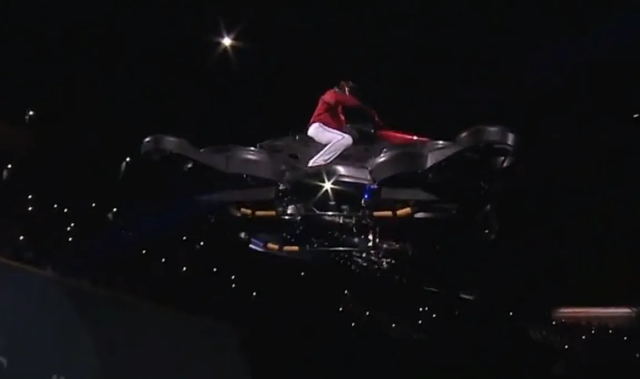
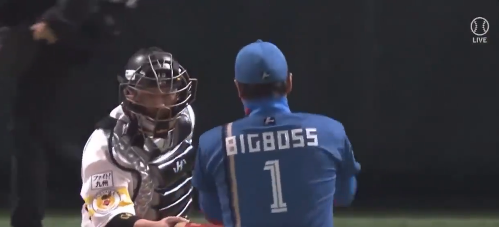
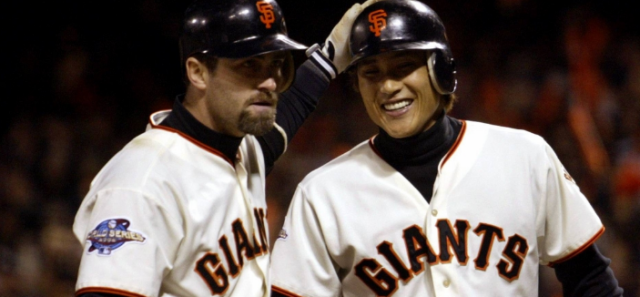
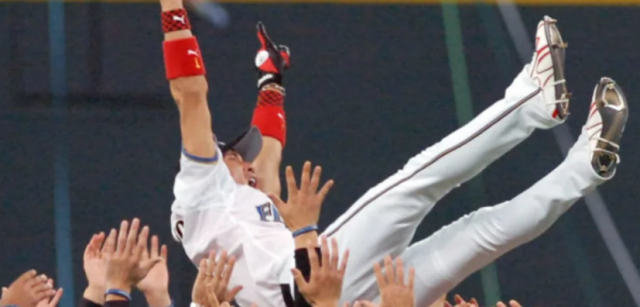
Tsuyoshi Shinjo - The road to "Big Boss" Before we begin, yes. That is NPB legend, and manager of the Hokkaido Nippon-Ham Fighters Tsuyoshi Shinjo on a hoverbike, flying into the stadium making an entrance for the team as part of opening day festivities. Every once in a while, baseball produces a personality so unique that the game almost feels bigger when they’re around. Tsuyoshi Shinjo, believe it or not, is one of those players. If you’ve ever wondered how a Japanese outfielder ended up calling himself “Big Boss,” the answer is simple: Shinjo has always treated baseball like part competition, part show. Honestly, the sport has been more fun because of it. Shinjo’s career started in Japan with the Hanshin Tigers, who drafted him in 1989 straight out of high school. Early on he developed a reputation for two things: elite defense and a flair for the dramatic. The guy could patrol the outfield like a Gold Glove magician, and he didn’t mind standing out while doing it. Flashy plays, big personality, colorful gear, you name it. Over time he became one of the most recognizable players in Japanese baseball. Shinjo was known for dyed hair, colorful wristbands, and an unmistakable swagger that made him instantly recognizable the moment he stepped on the field. Even when he wasn’t putting up superstar numbers, fans loved watching him play because he always made the game feel exciting. In 2001 though, Shinjo decided to try something that was still pretty unusual at the time: heading to Major League Baseball. He signed with the New York Mets, becoming the first Japanese-born position player to appear in the National League. His MLB numbers were solid rather than spectacular, a .245 batting average with 20 home runs over three seasons. Pretty average, but Shinjo had a knack for memorable moments. Mets fans especially remember his rookie season in 2001, when he brought strong defense, clutch hits, and plenty of energy to the lineup. He quickly became a fan favorite. After a trade to the San Francisco Giants, Shinjo made history again in 2002. That year, the Giants reached the World Series, making Shinjo the first Japanese-born player ever to appear in the Fall Classic. Even when he wasn’t lighting up the stat sheet, Shinjo brought something teams always value: good energy. Teammates always joked that wherever Shinjo went, a traveling circus of media and fans followed, and even though his MLB career only lasted three seasons, it helped open the door for more Japanese position players to feel comfortable coming to the majors regardless of whether or not they were an elite superstar talent or a consistent good performer. You didn't need to be a mega star on the stat sheets. Like many players who crossed the Pacific in the early 2000s, Shinjo eventually returned to Japan. Returning home turned into one of the coolest final chapters a player could ask for though. Playing for the Hokkaido Nippon-Ham Fighters, Shinjo helped lead the team to a Japan Series championship in 2006 before announcing his retirement immediately afterward. Going out on top is something most players dream about and Shinjo actually pulled it off. For someone who always had a flair for the dramatic, it's probably the perfect way to put a bow on his playing career. Now here’s where the story gets even better. Years later, Shinjo returned to the Fighters, but not as a player. This time, he came back as manager. During his introductory press conference in 2021, he told reporters something unusual. He didn’t want to be called “manager.” Instead he said: “Call me Big Boss.” I’m sorry… what? And just like that, the nickname stuck. Shinjo leaned into the persona completely. He even registered “BIGBOSS” as his official name with Nippon Professional Baseball, meaning that was literally what appeared on his jersey. He turned games into an event. At one point (see the first image), he entered the stadium riding a hoverbike. Other times, he arrived on a three-wheeled motorcycle or staged theatrical introductions that felt closer to a wrestling entrance than a traditional baseball game, and all of this wasn’t just for laughs though. Shinjo’s goal was to energize the team and the fanbase during a rebuilding period for the Fighters. He wanted to do as much as he could to let the players take the field and perform with the least amount of pressure while they develop and grow. In true Shinjo fashion, he turned managing a baseball team into something that felt closer to a stage show. In a lot of ways, I feel like Shinjo arrived before baseball was ready for him. Today, MLB markets players with personality much more openly: Bat flips are celebrated, players show off custom gear, and celebrations are part of the culture now. Shinjo was pretty much doing all of that decades earlier. He was a Gold Glove outfielder in Japan, a pioneer among Japanese position players in Major League Baseball, a World Series participant, a Japan Series champion, and eventually one of the most entertaining managers in the sport. When you think about it, most players spend their careers trying to fit into baseball’s traditions. Shinjo kinda spent his career reminding everyone that the game can still be fun. Baseball has produced plenty of great players over the years, but...only one Big Boss.
-
My understanding is that you can modify appearances and equipment, but you cannot update attributes or player names. This is done by design since everyone playing this game is building teams off of the same shared talent pool. This means that most players are going to have an Asher Jones or a Ciprian Soto for some time on their rosters until they earn enough points through the online mode to unlock better players. The more you play against people online, the more championship points you earn to unlock cosmetics and rewards, but most importantly you unlock players that grow the talent pool, so you can eventually build teams with better players to compete. In the long term Konami is likely going to add more and more players while updating segments of the game over time, like adding more variety to their headshapes since the data set they use to make these generic players or randomize your player's look is mostly Asian-centric. Also, the entire core gameplay loop is for it to be a team builder within a ranked ladder mode, and they believe in the PYS gameplay to be the vehicle for that.
-
I can talk about the gameplay in detail since I've played Pro Yakyuu Spirits on and off over the years along with The Show and a bunch of other baseball games from earlier generations. The tempo is slightly slower than your average game on MLB The Show, which is a lot more moment-to-moment. The best way I can explain it is that Pro Yakyuu Spirits as a series is built on a philosophy of being more deliberate and intentional. The game puts an emphasis on pitch sequencing, timing, and contact physics rather than constant action, so it intentionally leaves more breathing room between actions. Pitcher set animations take longer, fielders gather themselves before throwing and camera cuts linger a little longer. The pacing is a little more natural, which is kind of representative of how NPB baseball's rhythm is in real life. Interestingly enough, the closest game to this style was probably MVP Baseball 2005 since they did design that game to be more about the hitter/pitcher showdown. Mechanically it also feels a little different from the western baseball games we're used to playing. As far as hitting, it's cursor based, but instead of a circular hitting cursor like MLB The Show’s PCI, the game uses a bat-shaped cursor that represents the swing plane. Where the bat meets the ball and the timing of the swing directly influence the ball’s trajectory and spin, so the contact feels very precise and physics-driven. The overall vibe is closer to a simulation of the pitcher-batter duel rather than a fast-paced sports game. You’re thinking about pitch sequencing, timing, and placement more than reacting instantly. Every at-bat feels like a small chess match rather than a quick arcade interaction which can be a lot of fun if you're into that style of gameplay. Pitching feels more about picking the right pitch and hitting your spot than mastering a complicated input mechanic. You aim the pitch and time the release, and the better your timing the more accurate the pitch is. It’s simpler mechanically, but the strategy of pitching where you're mixing speeds, working the corners, setting hitters up, that becomes the focus. Fielding to me feels heavier compared to the US games I'm used to. It's a little janky because I'm used to snappy responsive controls versus controls that have a little weight to them. Players actually complete their movements (fielding the ball, setting their feet, and throwing) so plays develop more naturally instead of everything happening all at once. I think this design approach is deliberate since it presents defense as a process rather than a quick button response. Like layered timing, if that makes sense.
-
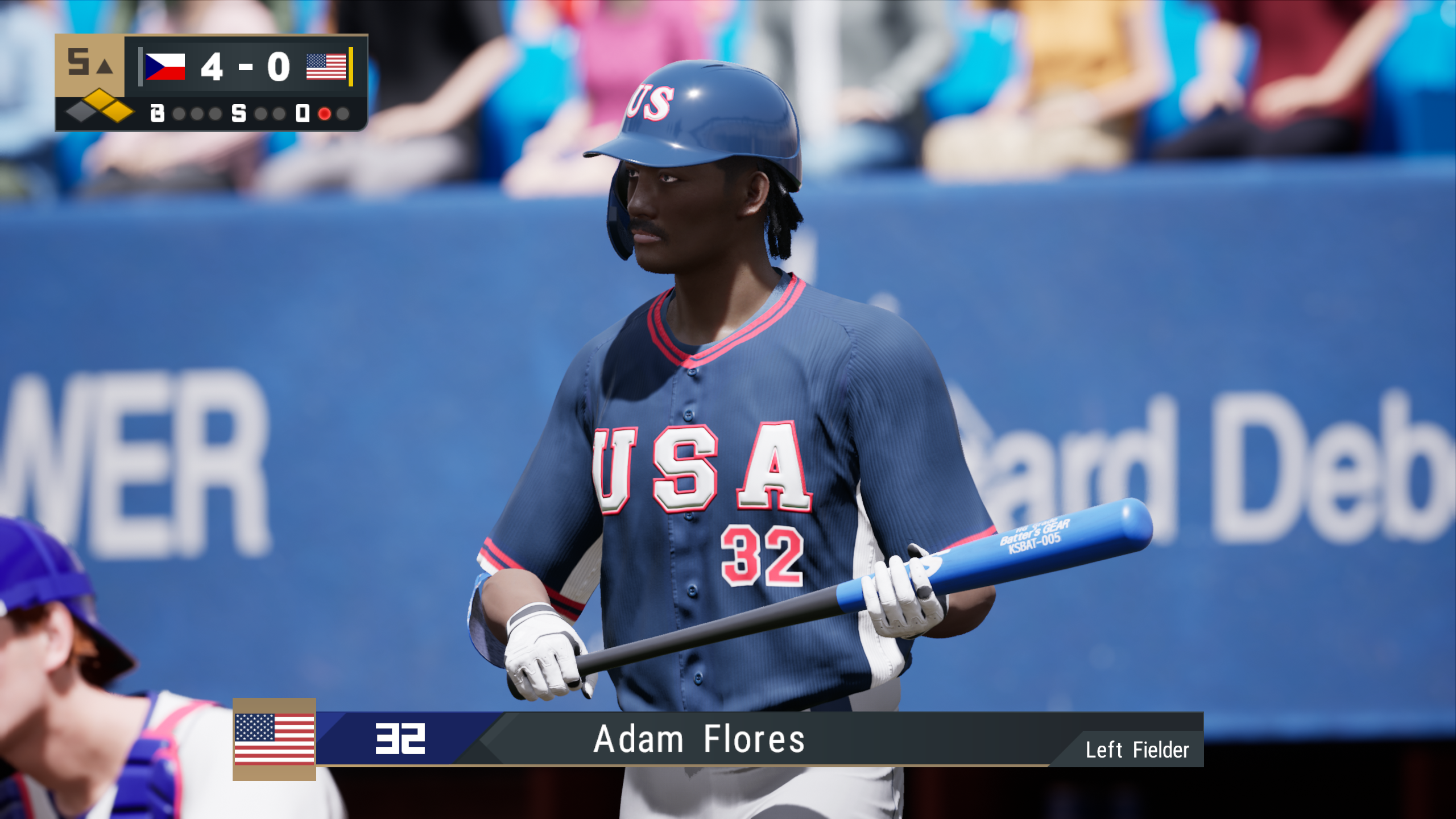
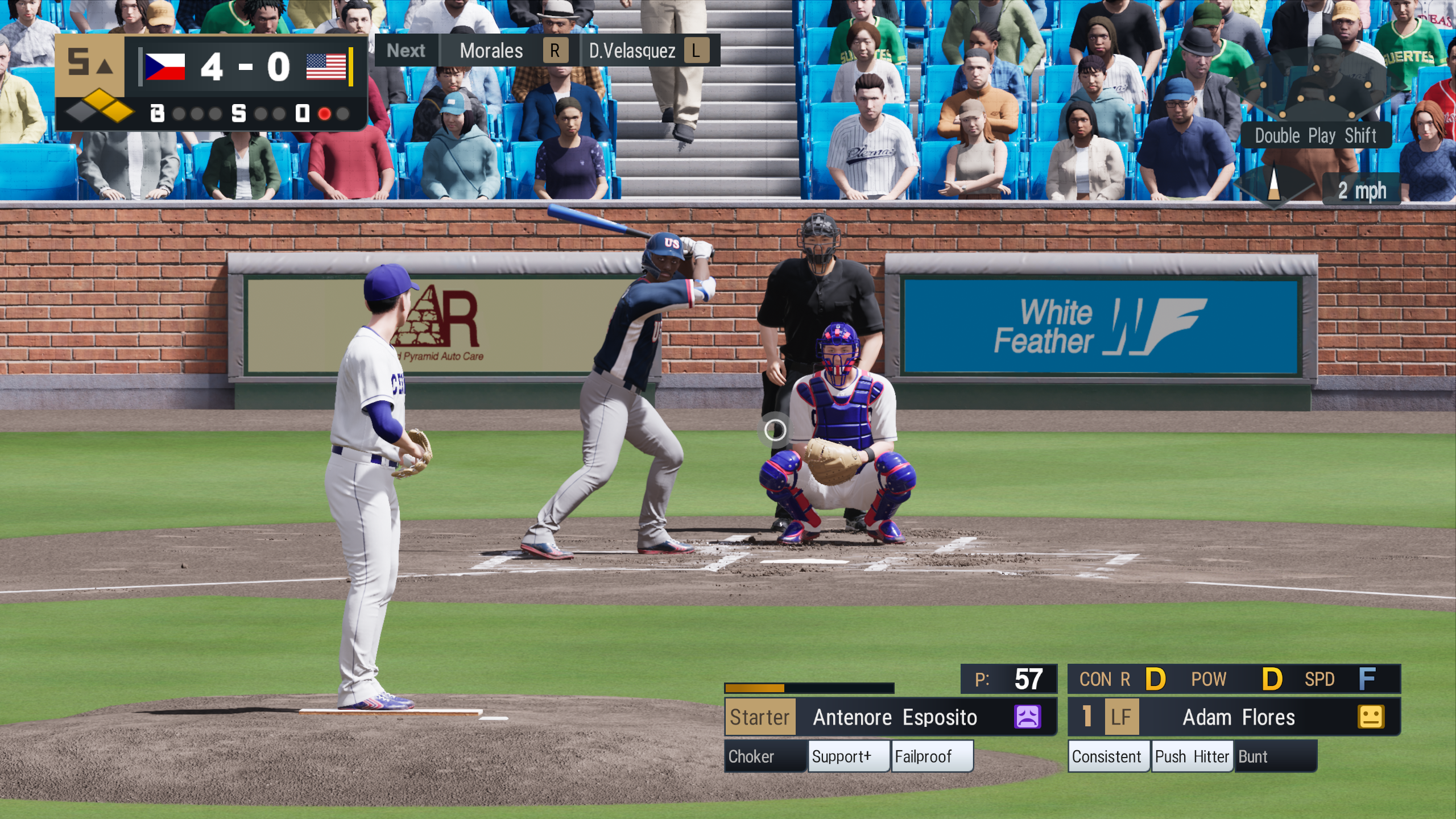
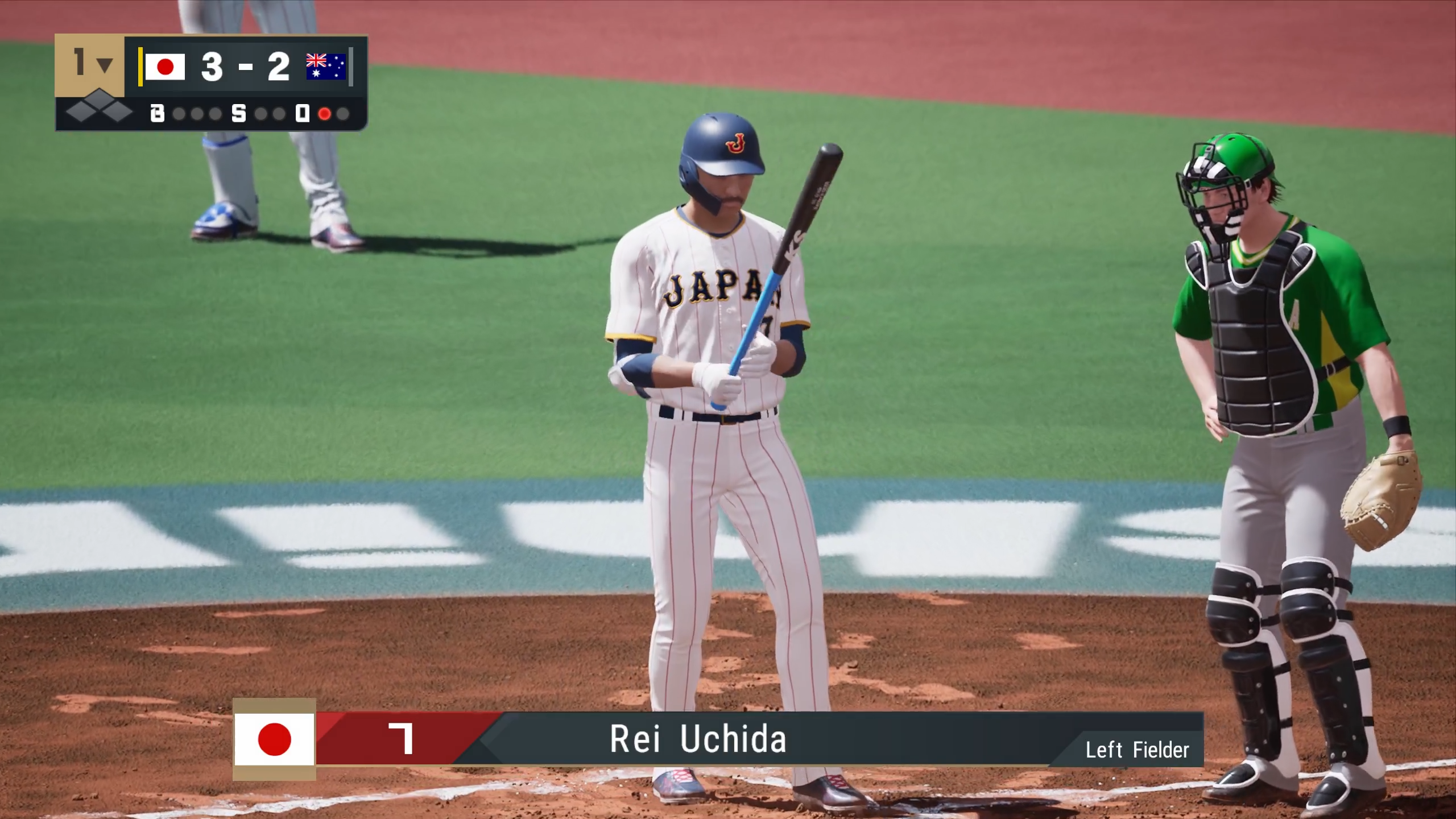
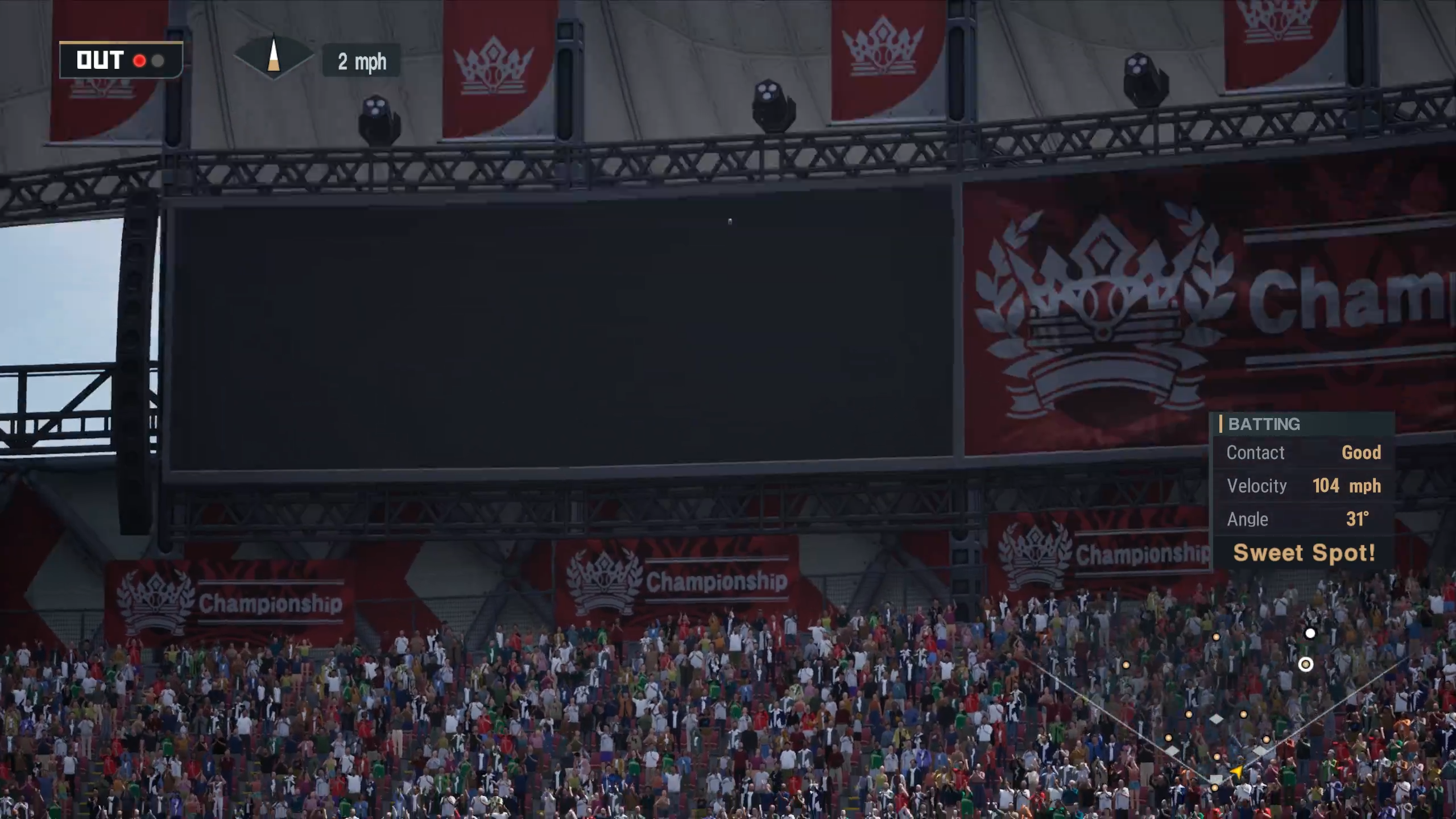
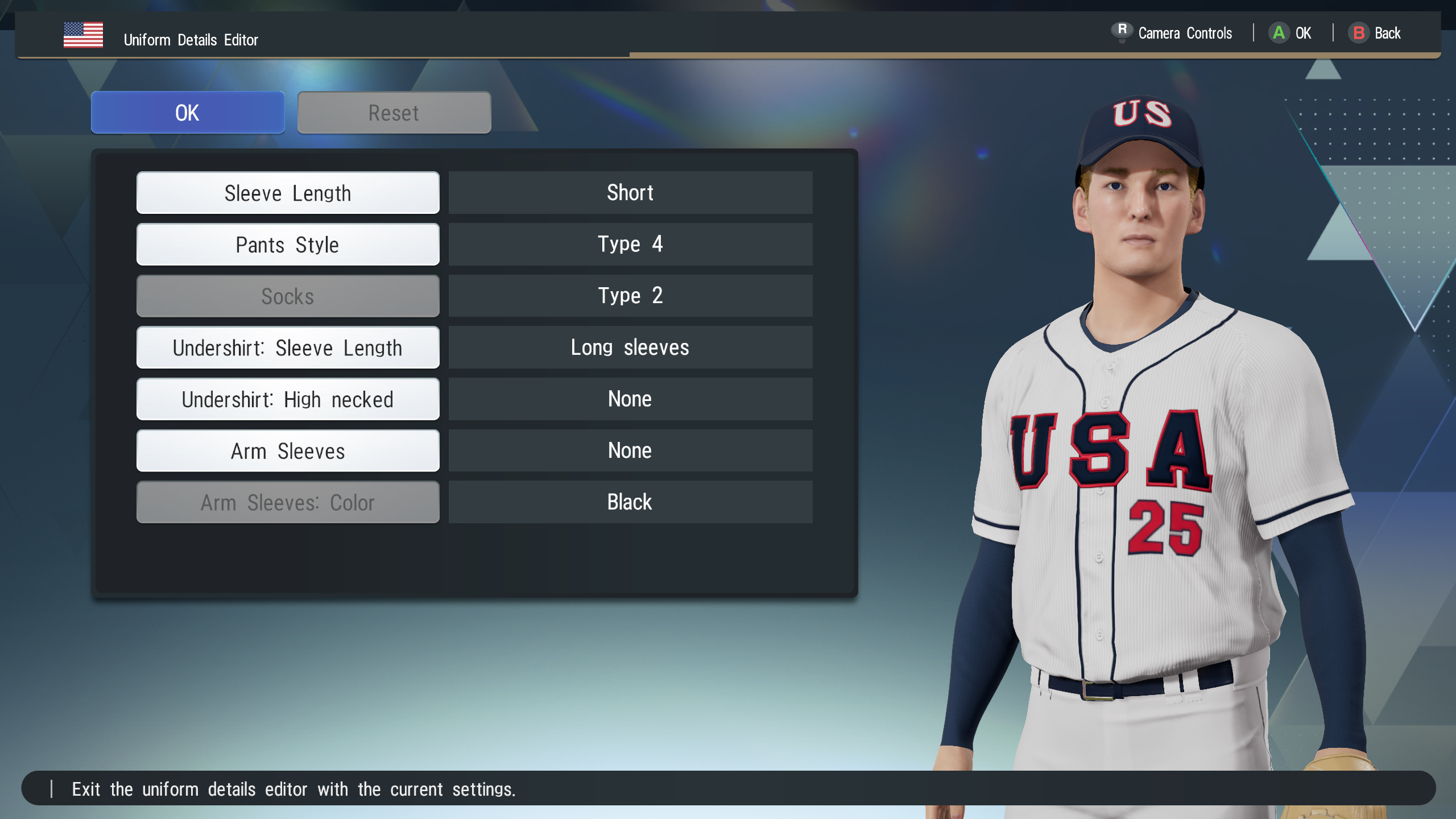
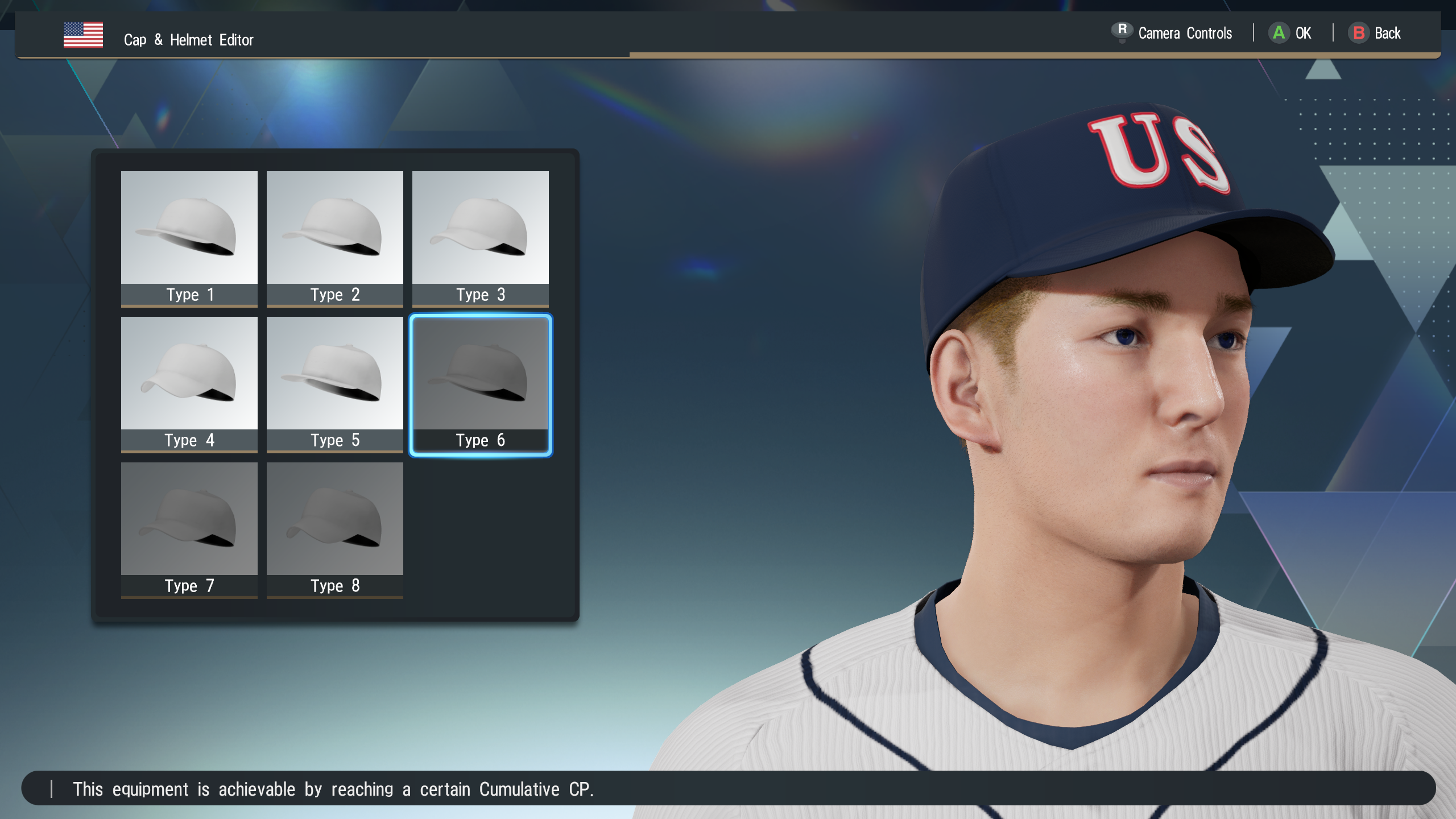
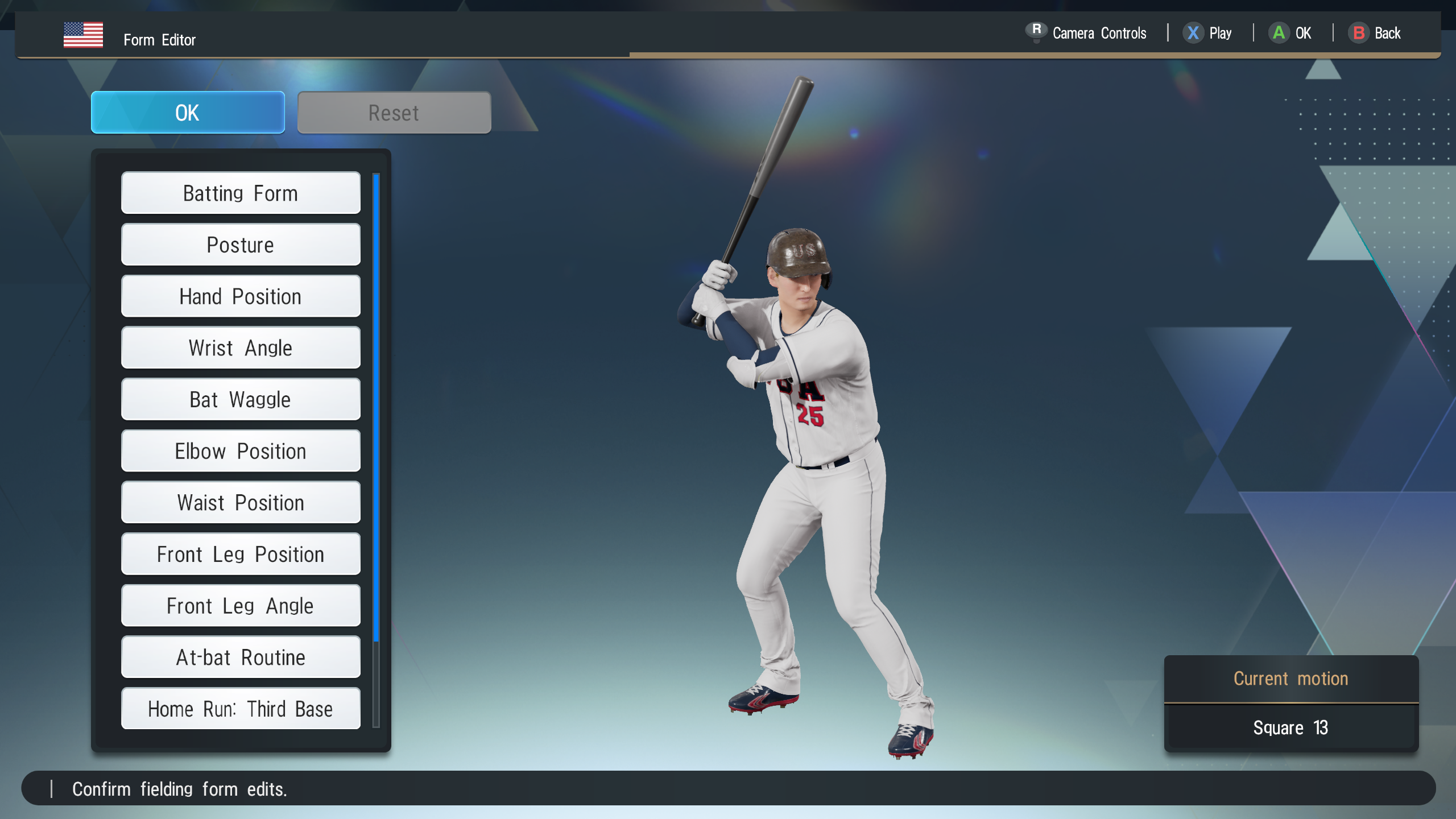
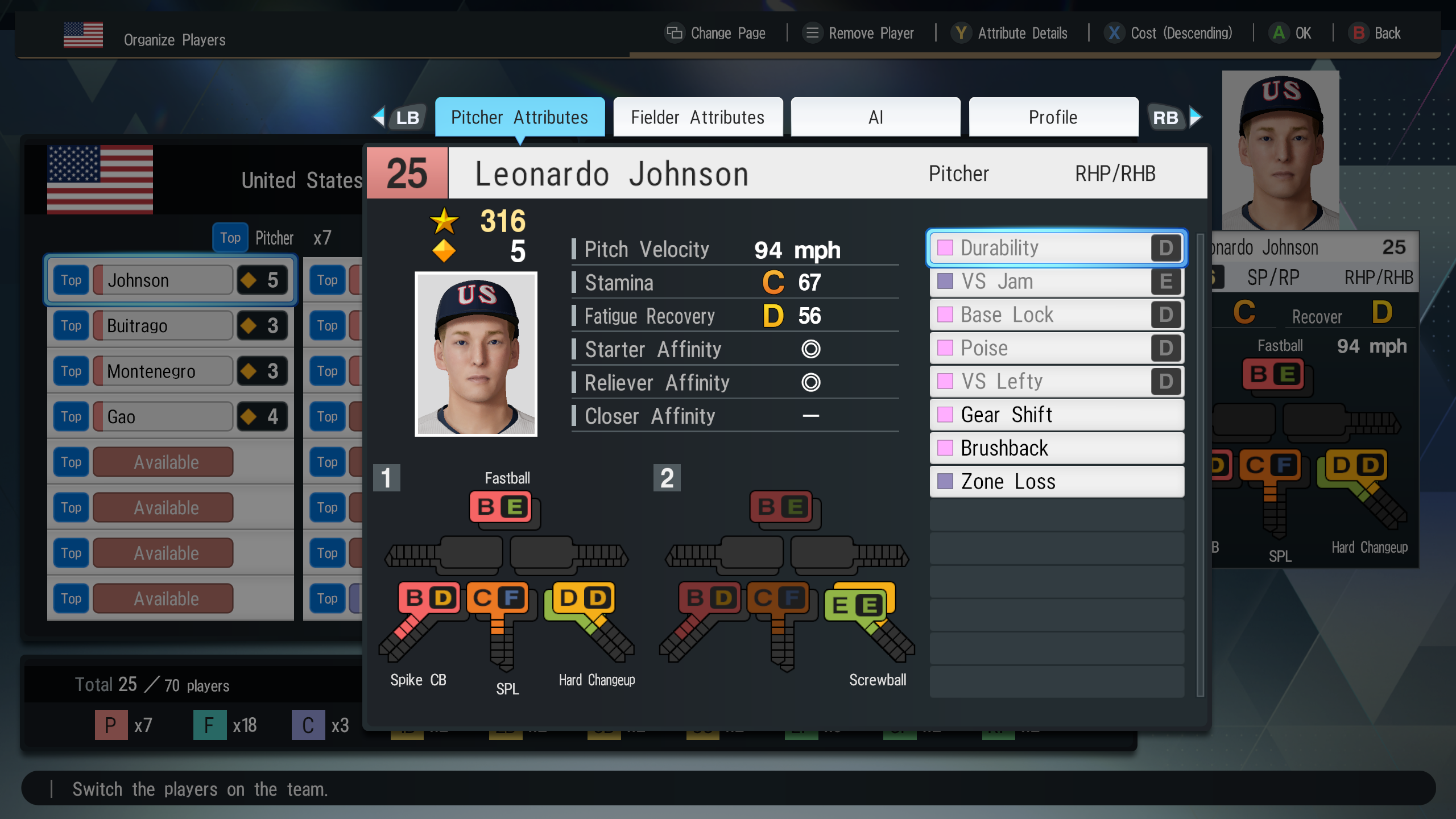
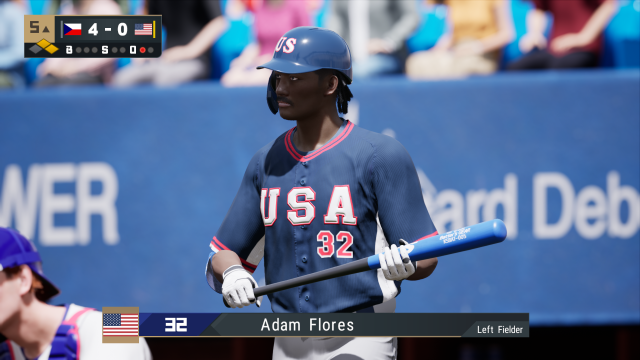
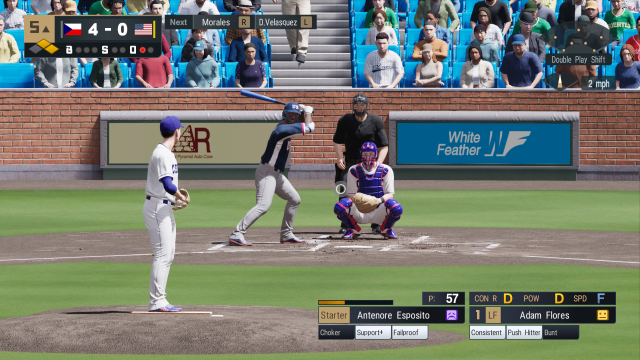
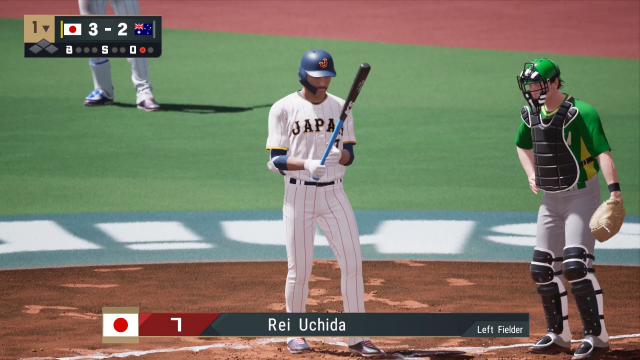
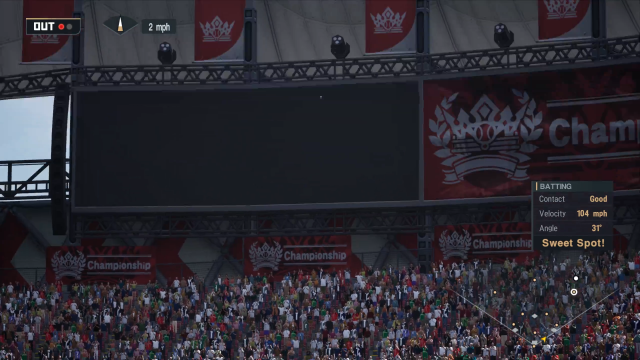
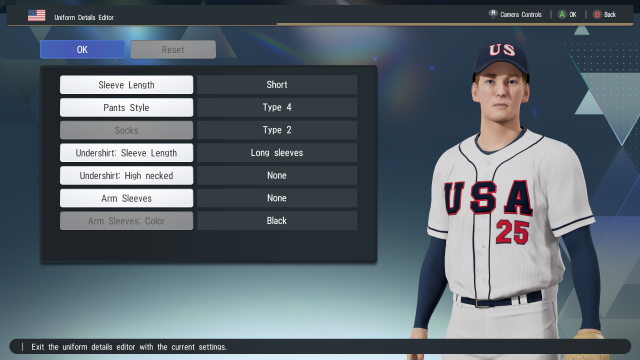
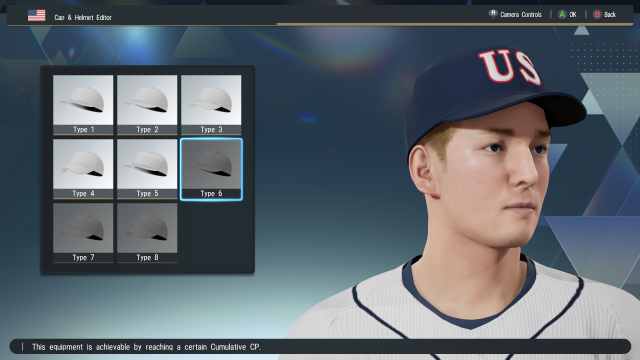
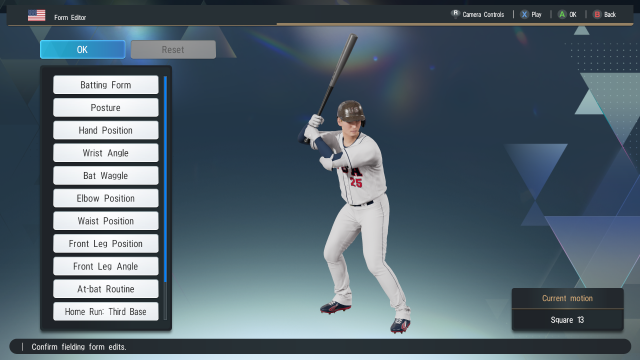
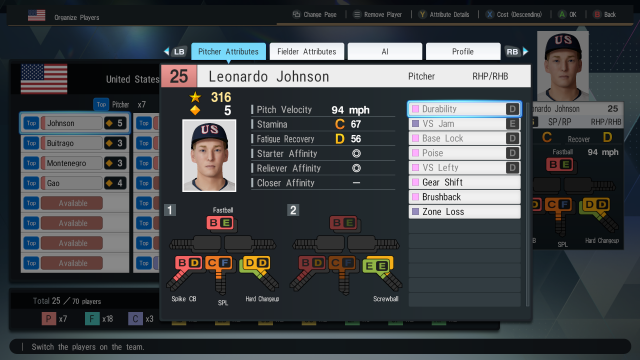
So, Konami stealth launched eBaseball: Pro Spirit yesterday as a free-to-play baseball game that serves as a globalized offshoot of the long-running Pro Yakyuu Spirits (Professional Baseball Spirits) franchise. The game launched suddenly on March 5, 2026 for PlayStation 5 and PC (Steam) with no major marketing lead-up, presenting itself as a modern online-focused baseball experience rather than a traditional full-price sports sim. The game itself is built using the eBaseball Engine (which is a fork of Unreal Engine 5, so technically it's powered by Unreal technology) which allows for more advanced player models, stadium lighting, and broadcast-style presentation compared to older entries in the series. The gameplay still carries the traditional Pro Yakyuu Spirits mechanics/feel where you control a bat-cursor hitting system and you can adjust pitch speeds, batting sensitivity, and other sim settings to tailor your experience. The design philosophy of this title in particular is notably different. Instead of focusing on deep simulation modes or licensed leagues, Pro Spirit centers primarily on online competition, including a “World Championship” mode where players build teams from a shared pool of fictional players and compete globally under ranking and cost-cap rules. The game includes English localization and commentary, something the Japanese-focused mainline entries historically lacked. To me it reflects Konami’s attempt to bring the series to a broader international audience. This approach makes the game closer to Konami’s eFootball model than to the traditional Pro Spirits releases. The emphasis is on accessible online play, customizable teams, and global competition rather than the detailed league simulations and licensed realism that defined the original series. My spider-sense take though? This game is a low-risk way to test interest in a Pro Spirits-engine driven game outside of their traditional market in Asia. I see it as like a proof-of-concept export of the Pro Spirits gameplay model. It’s basically saying to Western players: “Here’s how Japanese baseball sims feel. Do you want more of this?” If the answer is yes, then Konami suddenly has leverage internally to pitch bigger baseball projects. Here's some screengrabs as I've made some of the WBC uniforms so far. Just so you know, the players and likenesses are all fake:
-
When you grow up with Ruth, Gehrig, DiMaggio, Mantle, Berra, Ford, when you inherit Monument Park mythology, anything short of inner-circle immortality feels like a downgrade. The part people are skipping is that the standard didn’t really drop with CC. All of this basically shifted after the dynasty. The Yankees already retired numbers for Bernie, Andy, and Paul O'Neill. None of them are Ruth-tier, obviously. None of them are even inner-circle Hall of Famers. They’re just era-defining Yankees and I find that that’s the modern standard the team has been looking at. So if the bar ever felt lower, it’s because the Yankees haven’t had a multi-ring core since 2000. Like that’s not a Sabathia problem, that’s a franchise results problem.
-
Phil Mushnick's take is contrarian click-bait. CC's been my guy through those post-championship years so I got something to say: CC’s No. 52 isn’t being retired because of nostalgia alone. From the moment he arrived in pinstripes in 2009 through 2012, he was the Yankees’ ace. Literally the workhorse who shouldered more innings and October pressure than anyone in the rotation. In an era where the Yanks were transitioning out of dynasty mode, he gave the team stability: Cy Young contention, October starts, and tough outs when they mattered. He was far from Ruth or Gehrig, of course, nobody is arguing that, but to pretend he didn’t define an era for this team is revisionist garbage. This guy leans on strawman arguments like “grandfather didn’t remember the number” and personal attacks about weight and temperament instead of actual baseball context. That’s like saying a fastball is “too heavy”, like it’s an opinion with no connection to the facts on the field. Sabathia’s Hall of Fame induction, his 3,000+ strikeouts, and his impact on Yankees pennant runs are baseball qualifications, not fluff. Then he starts dragging in BS about "what the game has become,” or random politics, or comparing Sabathia to non-baseball figures? That’s garbage grievance projection. If Phil had any writing talent and made his column truly about merit, it would compare Sabathia’s WAR, innings, postseason impact, and franchise significance to other retired Yankees. Instead, this joker pulls cheap shots about weight and attitude, which have zero bearing on whether his number belongs in Monument Park. IMO if we’re going to criticize Sabathia’s number retirement while ignoring how the franchise has already honored other post-dynasty greats like Andy Pettitte, Bernie Williams, or Paul O’Neill, then we’re just throwing shade. The bar has shifted in the modern era, yes, not because of Sabathia’s play but because the Yankees haven’t had a multi-title core since the early 2000s. Fans are frustrated, and that frustration is real, but Phil's trying to ride that frustration without offering real insight. At the end of the day, Sabathia’s number isn’t being retired because he was Babe Ruth, it’s being retired because he was the keystone starter for the Yankees’ first competitive run after the dynasty and most fans understand that as a legit reason. Not this guy though.
-
I'm in the process of leaving my job among other things so this project has been put on pause for now
-
I think that is a glitch that was never fixed in a patch
-
Voicebox: Open-Source AI Generated Kuiper & Krukow Audio for MVP 2005
Kccitystar replied to HFLR's topic in Mod Research
Amazing! I think focusing on small wins first to build momentum to what would eventually become the defining project from this breakthrough (name banks) is the next logical step. Updating something like the audio IDs for teams/stadiums is sensible, then moving on to player names next. It would be an immense gain for Total Classics projects given the level of historic players from those mods. I also think building out a new name bank (list of names) on top of what exists would be the best possible usage of AI Kuiper and Krukow. The "Munetaka Murakami" audio sounds solid but might need to be trimmed up so it flows with the rest of the commentary like as if it were originally there. One challenge that might be a problem is the cadence/fluidity of the new audio but I think people will figure out as they tinker with it. -
Voicebox: Open-Source AI Generated Kuiper & Krukow Audio for MVP 2005
Kccitystar replied to HFLR's topic in Mod Research
This is special -
That question about the first president to own a baseball team is BS, Harding *did* own a baseball team, but it was a minor league one and I fell for the trap. We'll run it back tomorrow!
-
I am looking to set up excel copy/pasting along with an advanced SQL mode to perform commands that way too, it's something I'm planning on adding either now or in the future to help make things easier and save time.
-
I'll work on MVP 2003 and 2004 rosters down the line if there's demand for it. I'm trying to keep the scope tight by focusing solely on MVP 2005 for now.
-
Ah I think this is for 2K12!
-
Could be missing faces
-
All, Just curious if you guys think the existing layout of the player view works? What could be changed from the current view in Classic MVPEdit?
-
I'm just curious on how this is possible given that the DRM required for the game to work has been removed since Windows 7 on the OS level. Actually, nevermind, I won't even ask. There's a tutorial on our site here for working with dgVoodoo2. Check the forums.
-
You said you were able to run the game on Windows 11 with no issues, I should be the one asking you how you got it to work without these workarounds for the DRM and GPU!
-
It's supposed to emulate a handful of cards, I think the Radeon 8500, GeForce 4 Ti 4800, Geforce FX 5700 Ultra and 9800 GT are in the list
-
No prob. This week is probably when I start working on trying to present the data in the editor. The best way I can explain where I’m at is like building a house. So far, I haven’t been “decorating” anything yet. I've been doing all the unsexy but critical work before you see anything on screen: The land and blueprint are locked: .mvpdb (SQLite) is the working format, DAT files are import/export only The foundation is poured: deterministic DAT > DB > DAT round-tripping works Utilities are in: legacy quirks are normalized safely, warnings are explicit, no silent corruption The framing is up: the editor supports multiple open rosters, proper app state gating (i.e. things are greyed out until you open a roster or import one via DAT), and safe close behavior (Save/Don’t Save/Cancel prompt before closing the editor) In other words: the house stands, the doors lock, and nothing catches fire, but there’s no drywall or furniture yet. The next big step is drywall: actually showing the data - the list of players, team lists, historical data and player detail views, even if it's read-only at first. Once that’s in place, everything else I and others want to see (import/export players, advanced searches, SQL mode, copy/paste from excel/sheets, etc.) becomes a lot more straightforward to build on top of a solid interior, instead of trying to wire things through exposed studs, if that makes sense. I mean there's still a lot to do, but the groundwork is where I want it to be so far!
-
There is a utility called SafeDiscShim that recreates the "handshake" the DRM makes between your PC and the discs so the game can work, along with dgVoodoo2 that spoofs earlier DX 8 graphics cards since the newer GPUs won't work
-
asked and answered on the first page brother :) The big one is MVP 2003 because they do not have a minor league system and the in-game economy is based on points, not money. I'll give it a swing once I can get the MVP 2005 editing sorted
-
Took me a couple of weeks but the ability to edit multiple rosters at the same time is IN. Now they load up like a chrome tab: Plenty of other stuff to go as time allows but this is pretty neat!
-
I believe your best bet is to play on a native system. VMs do not allow passthrough GPU support so it can use the host GPU for 3D